
Download 123 Video Converter – video converter, convert video, video to mp4, mp4 converter, video editor, video merge, video split, audio extractor, image from video, video to image, free video converter, convert video to mp4, video format converter, mobile video editor, video to mp3, video to gif
Overview
123 Video Converter is a streamlined mobile application designed to simplify the often-complicated process of video conversion, editing, and management. Targeted at users who value efficiency and clarity, the app removes the clutter of feature-heavy software by focusing on core functionalities. It enables users to convert, merge, split, and extract audio from video files with minimal effort. The app is particularly useful for individuals who need to adapt video content for different devices or platforms without requiring advanced technical knowledge.
Its primary purpose is to serve as a lightweight yet effective tool for managing video files directly from a smartphone. Whether preparing videos for social media, creating custom clips, or extracting audio for music use, 123 Video Converter provides a practical solution. The app is ideal for casual users, content creators, and students who need quick access to basic video editing and conversion tools on the go.
Although the developer did not provide additional background information, the app’s release date of August 12, 2013, indicates a long-standing presence in the mobile productivity space. This longevity suggests a stable and reliable tool that has maintained relevance through evolving user needs. The app’s continued availability as a free download underscores its role as an accessible utility in the mobile ecosystem.
Key Features & Functionality
- Simple Interface: The app features a clean, minimalistic design that prioritizes usability. With a straightforward layout, users can access core tools without navigating complex menus. This makes the app suitable for beginners and experienced users alike.
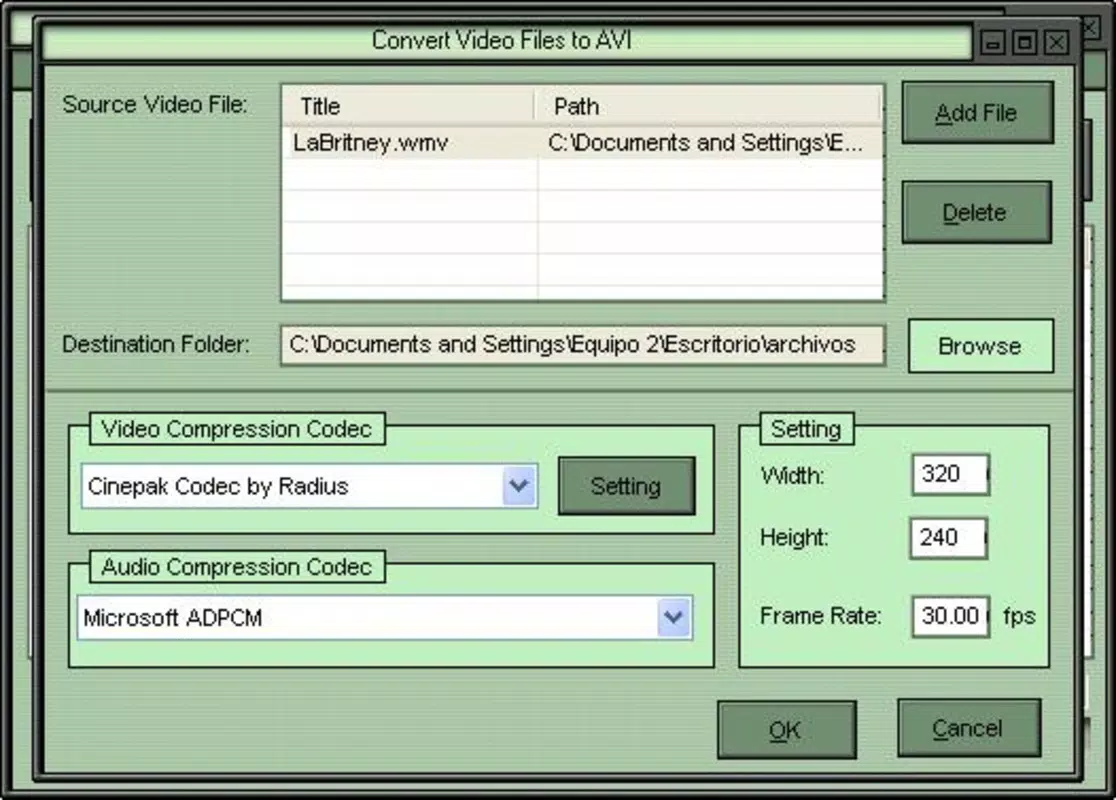
- Multiple Format Support: 123 Video Converter supports a wide array of video formats, including DIVX, XVID, MPEG, WMV, ASF, RM, and MOV. This versatility allows users to convert files between formats to ensure compatibility with various devices and platforms.
- Video Editing Capabilities: Beyond conversion, the app enables users to merge multiple video clips into a single file, split long videos into segments, and extract audio tracks. These functions are essential for creating customized content without relying on desktop software.
- Image Extraction: The tool allows users to convert video frames into still images, making it easy to capture memorable moments. This feature is particularly useful for preserving scenes from personal videos or creating thumbnails.
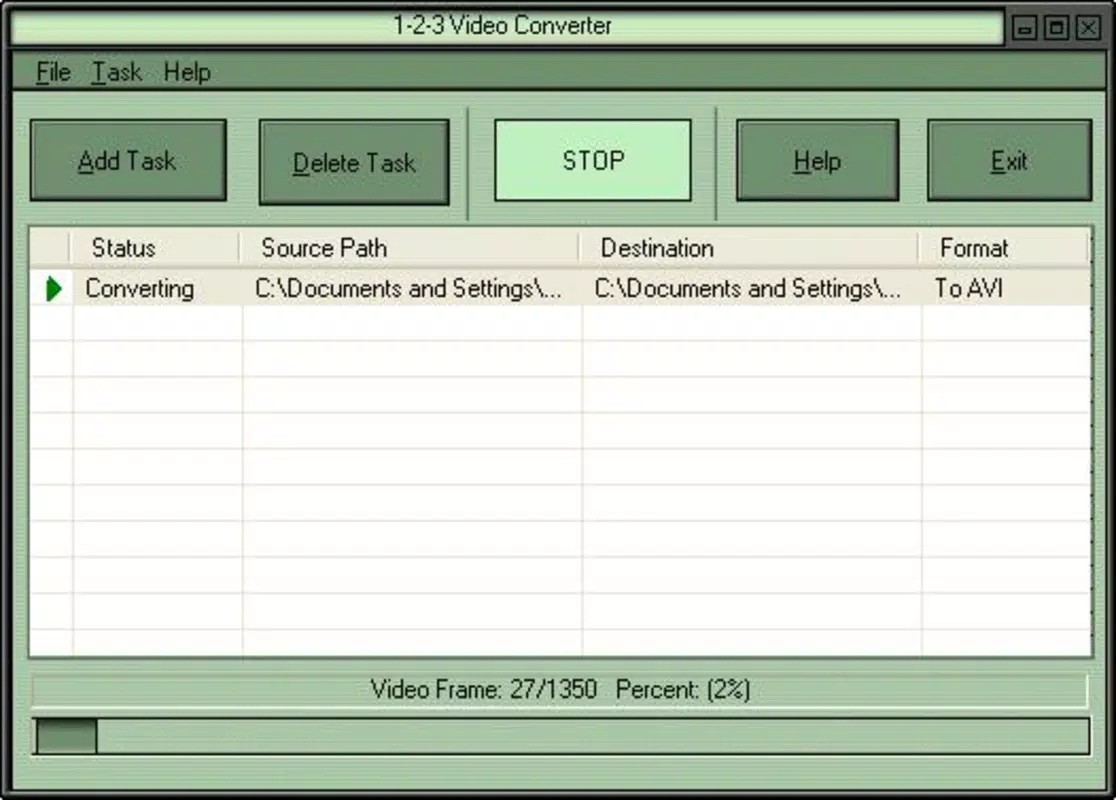
- Efficient Workflow: The app operates through a three-step process—select, configure, convert—ensuring rapid execution. This streamlined approach reduces time and effort, making it ideal for users who prioritize speed and reliability.
For example, a user preparing a presentation might merge several short clips into one video, extract a voiceover as an audio file, and convert the final output to MP4 for seamless sharing. Another user could extract a favorite scene from a home video and save it as a high-quality image for a digital photo album.
Interface, UX & Performance
The user interface of 123 Video Converter is designed with simplicity in mind. The layout emphasizes clarity and direct access to essential tools, minimizing distractions and reducing cognitive load. Navigation is intuitive, with clearly labeled buttons and a logical flow from selection to processing. The visual style remains consistent across screens, contributing to a cohesive user experience.
Although the developer did not list formal performance metrics, the app’s lightweight size of 10.4 MB suggests optimized resource usage. This makes it suitable for a wide range of Android devices, including those with limited storage or processing power. Users can expect responsive interactions and stable operation during conversion tasks.
Performance is likely consistent across different device categories, given the app’s long-standing availability and minimal system requirements. However, specific performance data was not disclosed. The app does not require excessive permissions, which supports a secure and focused user experience. Overall, the UX reflects a mature product that prioritizes function over form while maintaining usability.
Platform Compatibility & Technical Requirements
123 Video Converter is available exclusively on the Android platform. The current version is 1.0.1, with a file size of 10.4 MB. The app is offered as a free download, making it accessible to a broad audience.
Compatibility information was not fully disclosed. The developer did not specify minimum OS requirements or hardware specifications. As such, users should ensure their device meets general Android compatibility standards. The app’s lightweight nature suggests it may run on devices with older Android versions, but no official confirmation is available.
Pros and Cons
- Free to download and use
- Simple, intuitive interface
- Supports multiple video formats
- Offers basic video editing functions
- Efficient three-step workflow
- Small file size, low storage demand
- No official information on minimum OS requirements
- Limited visual customization options
- No cloud sync or backup features
- Developer did not provide update history or changelog
- Basic feature set compared to full-featured desktop tools
FAQ
Is 123 Video Converter safe to download?
Yes, the app is available as a free download on trusted Android platforms. It does not require excessive permissions and has a long-standing presence in the app ecosystem.
Can I convert videos to MP4 using this app?
Yes, 123 Video Converter supports conversion to MP4, among other formats, making it suitable for sharing content across devices and platforms.
Does the app support video merging?
Yes, the app allows users to merge multiple video clips into a single file, which is useful for creating longer videos from shorter segments.
Is there a version for iOS devices?
As of now, the app is only available for Android. There is no official iOS version listed.
How often is the app updated?
The developer did not provide information on update frequency or release history. Users should check the app store for the latest version.
Final Thoughts
123 Video Converter stands out as a dependable, no-frills tool for users seeking a straightforward solution to video conversion and basic editing tasks. Its minimalist design, support for multiple formats, and efficient workflow make it a valuable utility for mobile users. While it lacks advanced features found in desktop software, it delivers consistent results with minimal effort.
Those who frequently need to convert videos for social media, extract audio, or create custom clips will find the app particularly useful. Its free availability and small footprint further enhance its appeal. For users who value simplicity, speed, and reliability, 123 Video Converter remains a practical choice in the mobile productivity space.
Download 123 Video Converter now


